
If you want to use NeoDo with your Gmail and Google calendar you need to connect it with Google.
Go to your user settings (on the top of the screen)
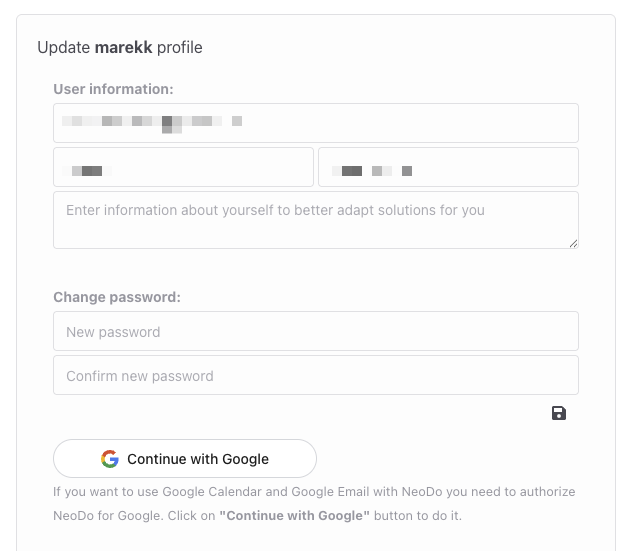
Click on “Continue with Google” button
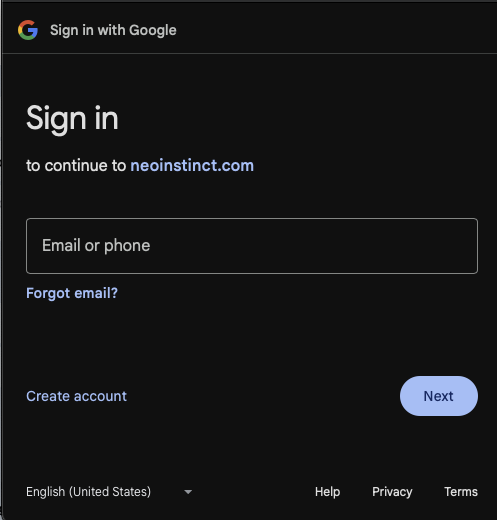
You need to login to your google account or select one of the accounts if you are logged in already.
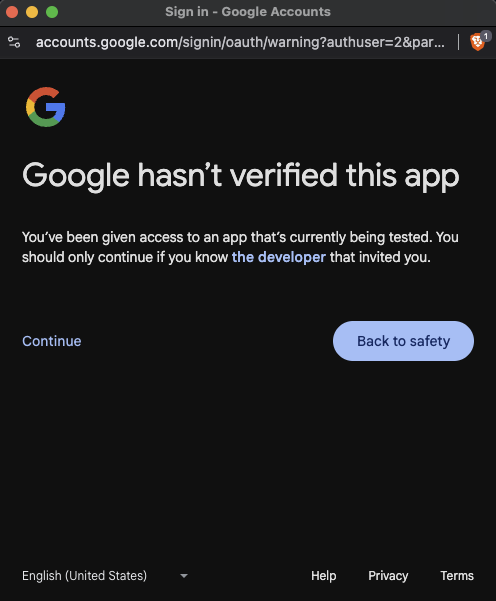
You will see information that Google hasn’t verify this app yet. That is correct, the app is currently under development and we’ll verify it as soon as we’ll be ready. If it’s ok for you and you want to move forward you need to select “Continue”
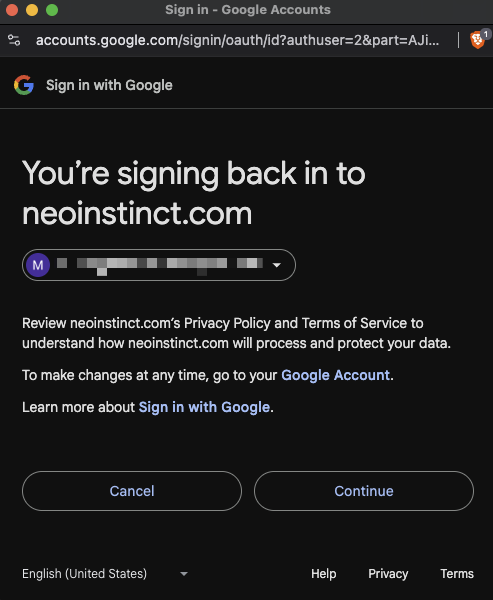
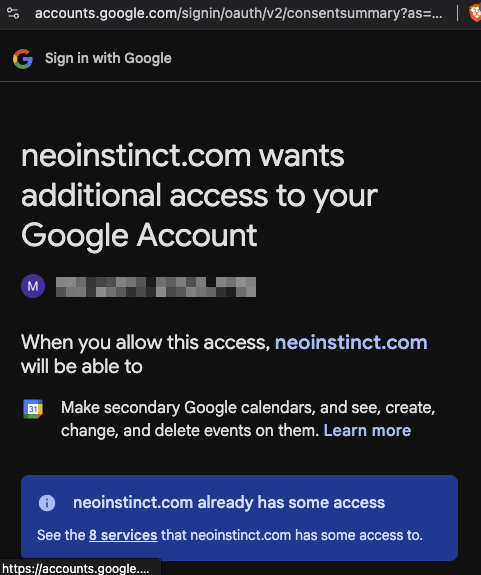
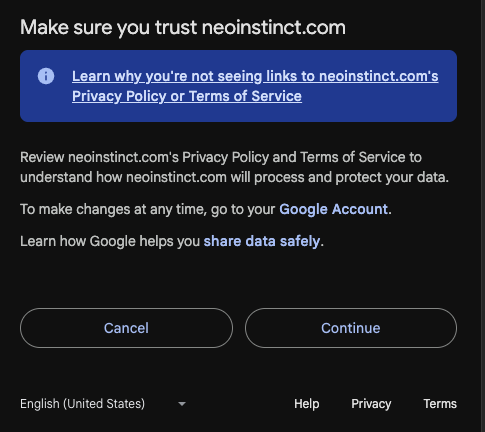
You need to make sure that you grant all described priviledges to Gmail and Google Calendar and click continue.
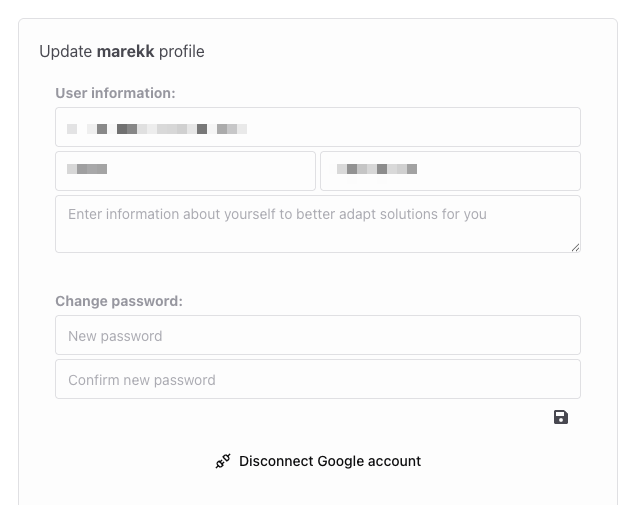
When everything is done properly you will see information “Disconnect Google account”.
You can test the connection by creating following task “Create event in my calendar, tomorrow at 17:00 with title “Meeting with my friends” for 3h.
If you want to stop using gmail and calendar wit the app click on “Disconnect Google account” link on the bottom of the page.